
Ethical Hacking: Android: Insert malware into an APK
Tecninf news archive.
Understanding how attackers act in order to identify infected apps.
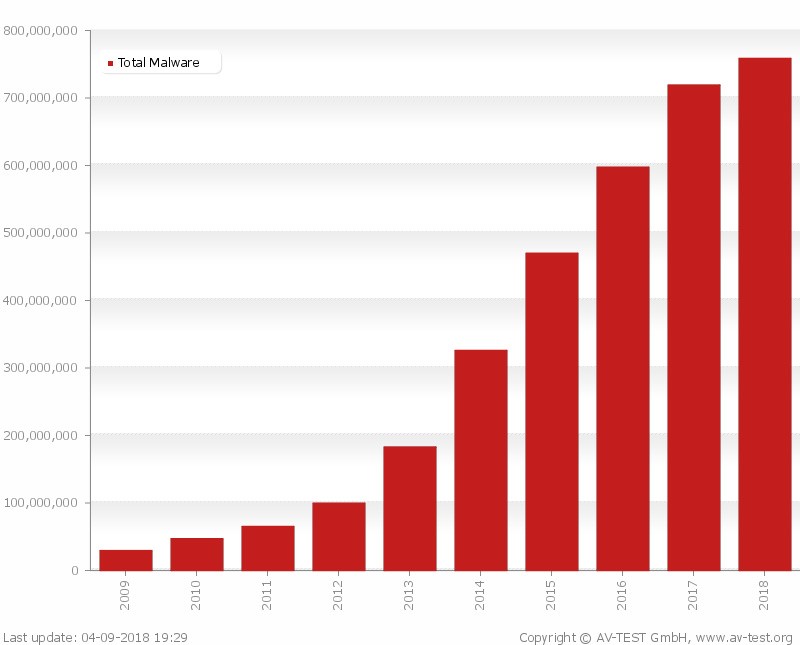
For the “know them to fight them” series, we will see in this article how to inject malware into an Android application. At the end of 2017, Grabos alone, a malicious code present in over 150 apps on the Play Store, infected more than 17 million Android users, and it is neither the first nor the only malware present on the Play Store hidden inside unsuspected applications.
It is therefore evident that this is a very common threat. To perform an analysis of an infected application, you must first understand how the attackers act: below we will see in detail how a normal mobile application can be altered by inserting hostile code.
Disassemble an application. First you need to choose an app to infect. To download the application, if we don't have an Android device at hand, you can use a service like APK Downloader or similar. In general, when the target is not obliged, it is preferable to infect an application that already requires the permissions needed by the malware, in order not to make the user suspicious.
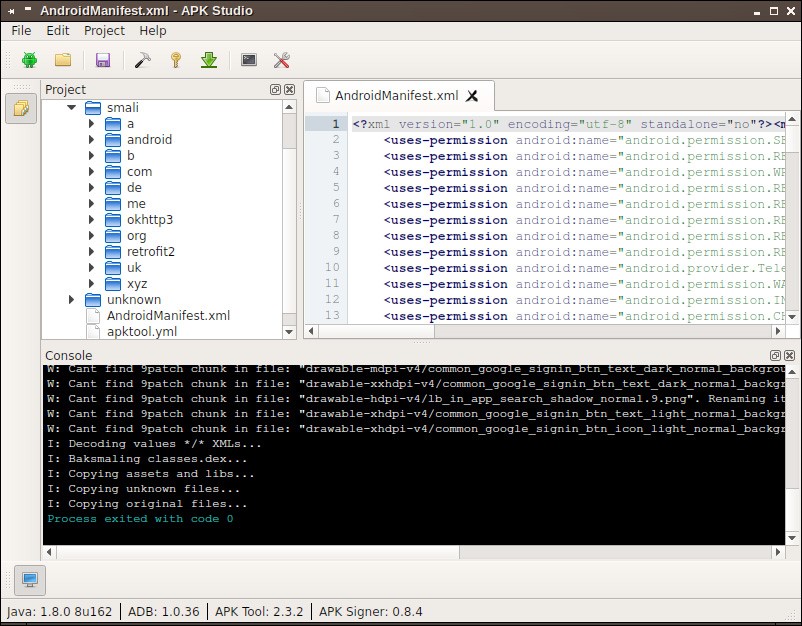
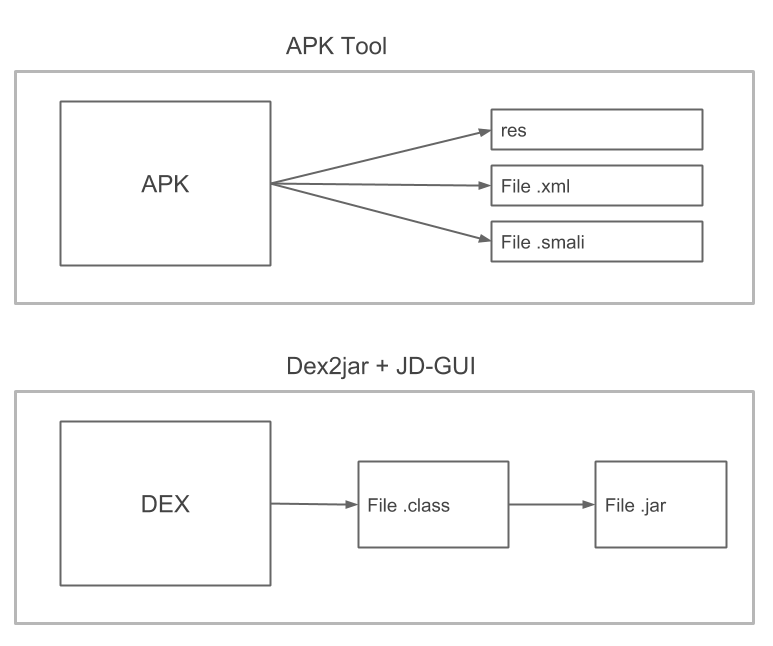
After downloading it, you need to disassemble the application so you can modify it at will. We use Apktool to obtain the application files. Among the files produced, the ones we are interested in are contained in the smali/ directory, which includes all the application files written in Smali, a Jasmin-based language that disassembles a .dex file into a more readable format. The .smali files reflect the behaviour of the original application but, since Smali is not a high-level language, are not immediately readable.
If we want to understand roughly how the app is made, a tool like dex2jar is more useful, transforming a .dex file into a JAR archive that can be parsed with a Java decompiler such as JD-GUI. The .class files produced are generally less reliable than the .smali files and, moreover, with this operation it is not possible to rebuild the APK.
Apktool is a tool to reverse engineer Android binaries: it allows you to disassemble the app and, more importantly, to rebuild the APK file after making changes. The main commands are apktool d <apk name> to disassemble and apktool b <directory name> to rebuild the APK. In addition to the smali directory we also have original (containing META-INF and the xml files useful to keep the original signature) and unknown (files and folders that are not part of AOSP).
Prepare the malware. The next step is to write the malware application in Java with Android Studio. For simplicity we create a basic malware: an application that reads SMS and forwards them via email to an address chosen by the attacker. If the malware needs additional permissions compared to the host app, these must be requested in the manifest and, in recent Android versions, checked at runtime with ContextCompat.checkSelfPermission() and ContextCompat.requestPermissions().
The malware, to send an email, does not use an Intent nor lets the user choose the client, but does everything in the background using the GMail mail server (smtp.gmail.com). We need a class that inherits from BroadcastReceiver and listens for the arrival of an SMS: when a message arrives it extracts the sender and content and sends an email through a SendMail class that internally uses the JavaMail API. The manifest must specify the receiver and the associated action (android.provider.Telephony.SMS_RECEIVED).
Inject the code and rebuild the application. Having built the malware APK with Android Studio, we disassemble it to obtain the Smali code to inject. To turn the legitimate application into malware, simply copy the contents of the smali/ directory (except android/) of the malware into the smali/ directory of the host app; we do the same for the files in unknown/. After inserting the code we recreate and sign the application with Uber APK Signer or through APK Studio (which builds with APK Tool, signs with Uber APK Signer and optimises with Zip Align).
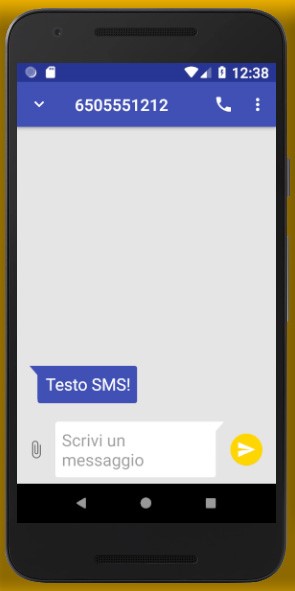
In summary, to add hostile code to an app we need to: disassemble the host app with APK Tool; write the malware with Android Studio; build the malware APK; disassemble the malware with APK Tool; copy the malware's smali/ directory into the host app's; build, sign and optimise the app with APK Studio; install the app with ADB. They seem like many steps but they are all simple and immediate. We run the application normally, which continues its work, but at the first SMS received the malware behaviour is triggered: it sends an email with the sender and the text of the message.
APK analysis workflow